
Photo to Cartoon Converter
Turn a photo from your gallery into a cartoon, sketch, or colorful image right on your Android phone. Toonsmith is for anyone who wants to edit portraits, pets, group photos, or scenery and save a clean image to share.
Get it on Google Play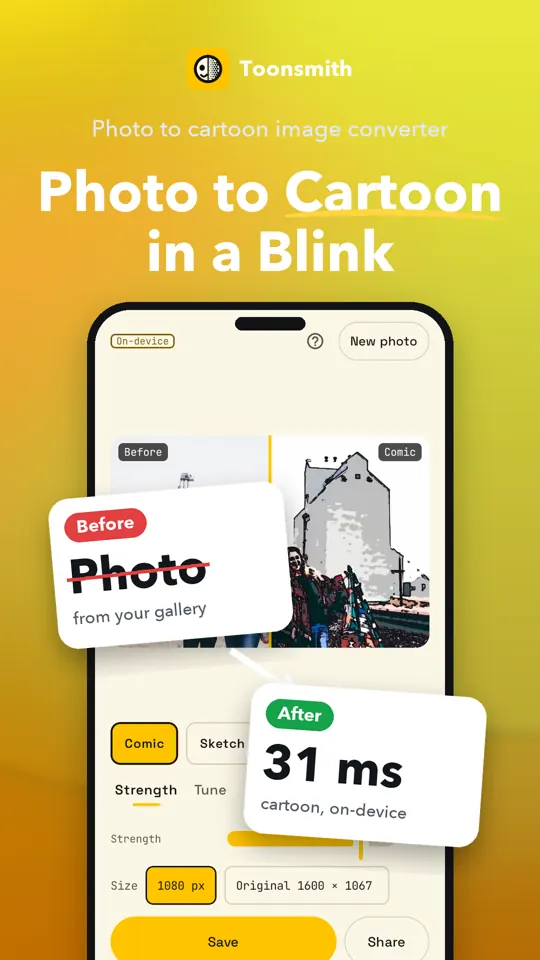
Screenshots
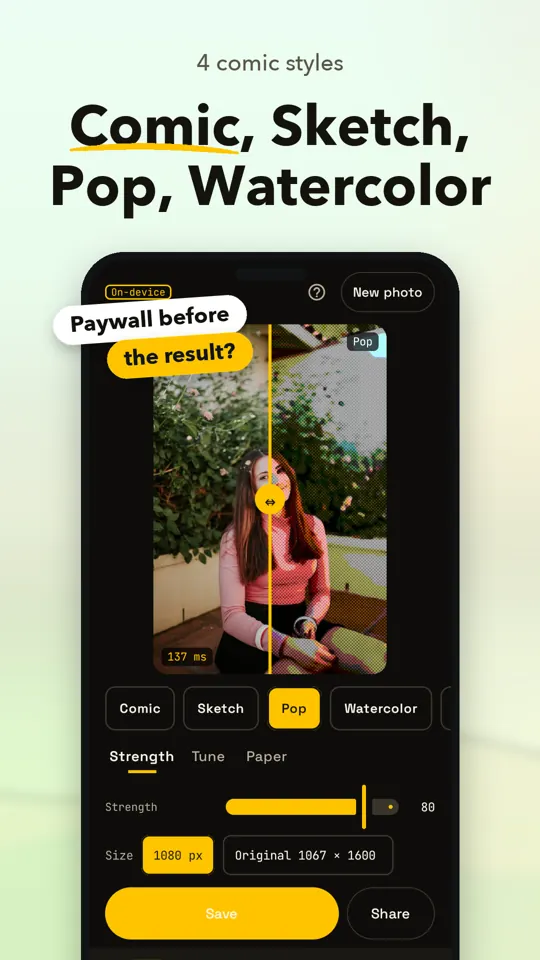
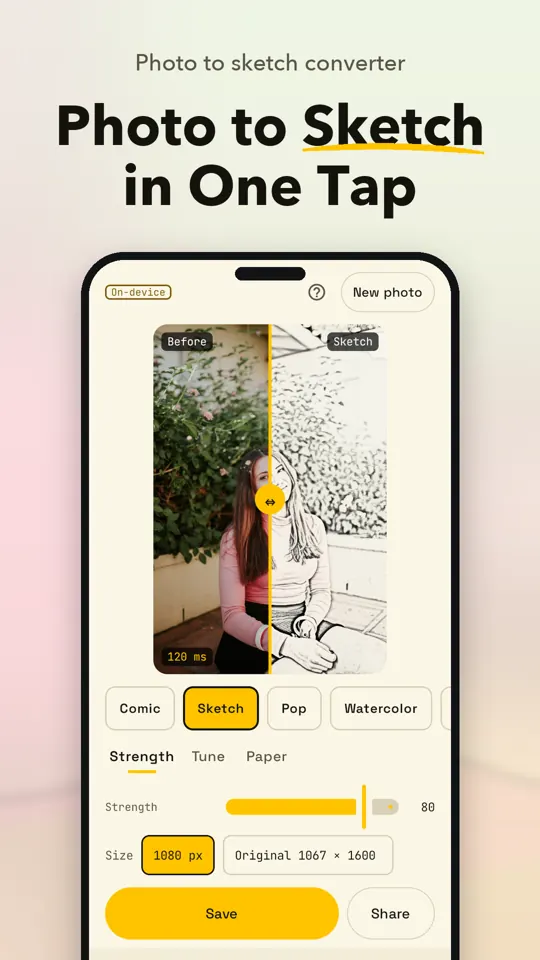
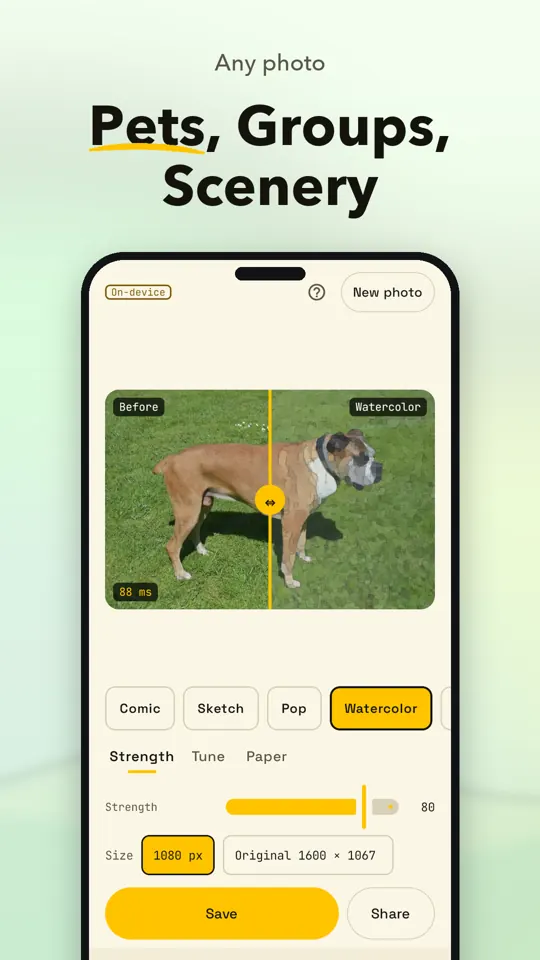
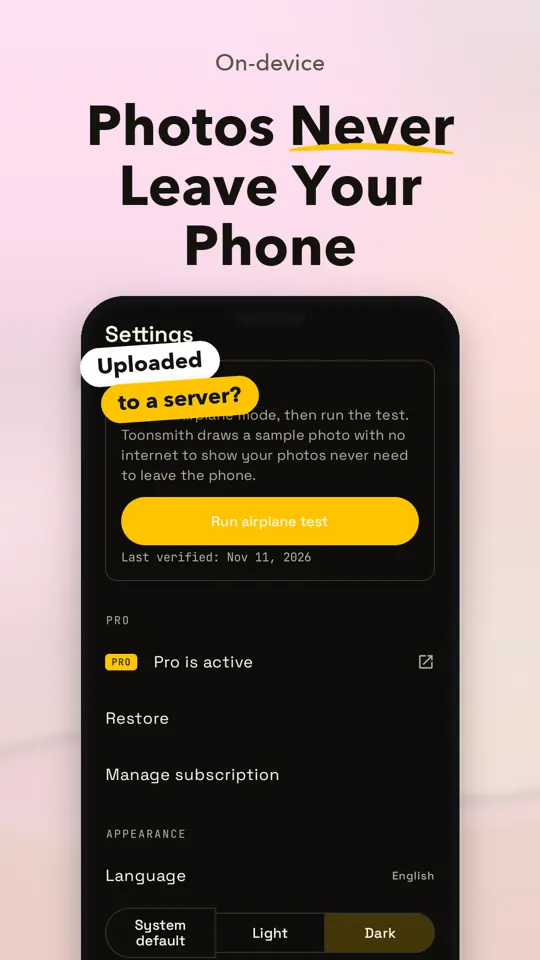
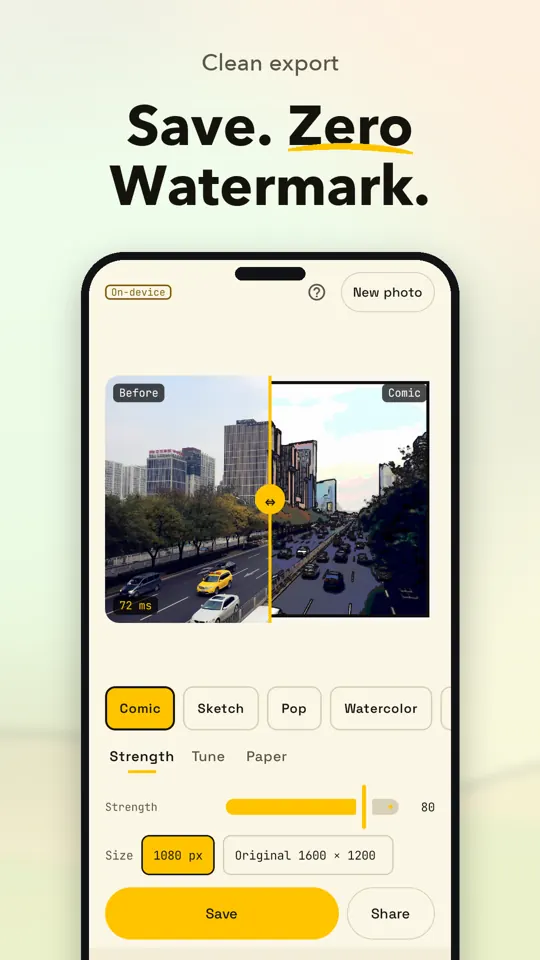
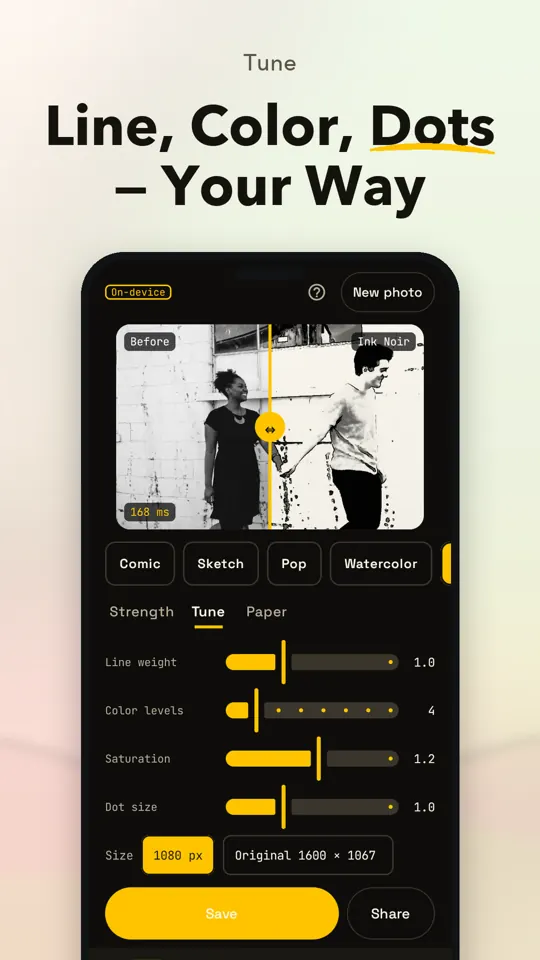
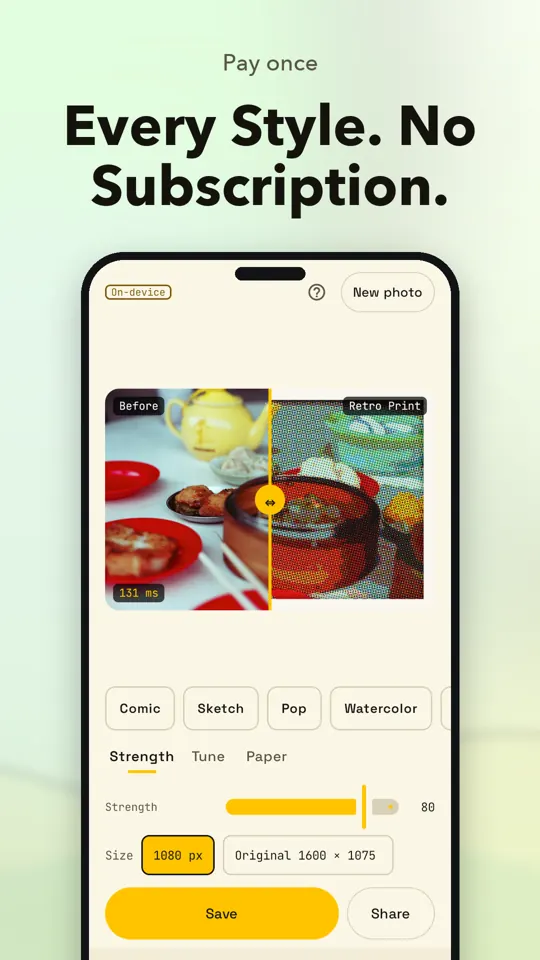
Photo Editing Features
Cartoon Any Whole Picture
Apply a style to the complete image, including people, pets, scenery, and everyday moments. The editor does not search for faces.
Four Included Styles
Choose Comic, Sketch, Pop, or Watercolor. Comic adds illustrated lines, while Sketch gives photos a pencil-drawn appearance.
Adjust Effect Strength
Move the Strength slider and see the picture change live, from a subtle effect to a bolder one.
Compare Before And After
Use the Before/After view to inspect your edit against the original, or hold the picture to see the source photo.
Save Clean JPEG Images
Save one image at a time as a JPEG up to 1080 px, with no watermark. Your original photo stays unchanged.
Browse And Share Edits
Find saved pictures in the built-in Gallery tab and tap one to share it with another app on your phone.
Edit Photos Offline
The core editor and four included styles work on your device after installation. Photos are not uploaded for processing.
Open Shared Photos
Share a photo to Toonsmith from another app to open it directly in the editor, without searching through folders.
Get Started In Three Steps
Choose A Photo
Pick a portrait, pet, group, or landscape from your gallery, or share a photo to Toonsmith from another app.
Preview And Adjust
Choose a style, adjust its strength, and compare the result with your original photo.
Save Or Share
Save a clean JPEG to your device, then open it in Gallery or share it with another app.
Ways To Use Toonsmith
- Cartoon portraits from gallery photos
- Pencil-style sketches of pets
- Comic-style family snapshots
- Colorful edits of group photos
- Watercolor looks for landscapes
- Photo edits while offline
Free And Pro
Free
- Four styles: Comic, Sketch, Pop, and Watercolor
- Strength slider and Before/After comparison
- Clean JPEG export up to 1080 px, with no watermark
- On-device editing that works offline for core styles
Pro
- Seven additional styles: Ink Noir, Color Pencil, Pastel Chalk, Oil Paint, Blueprint, Stipple, and Retro Print
- Tune controls for line weight, color levels, saturation, and dot size
- Newsprint, drawing paper, and canvas textures, plus comic border and matte frames
- Original-size export up to 4096 px, subject to source image and device limits
- Removes ads; pay once to unlock Pro tools or use a rewarded unlock for one hour
Frequently Asked Questions
Does Toonsmith work offline?
Yes. After installation, the core editor and four included styles work offline because photos are processed on your device. Ads and billing may not work offline.
Is Toonsmith free?
The app includes four styles and clean JPEG export up to 1080 px without a watermark. Pro adds more styles and editing tools; a rewarded unlock can make some Pro tools available for one hour.
Are my photos uploaded or stored online?
Photos are processed on your device and are not uploaded for processing. Saved images stay on your phone unless you choose to share them.
Which phones can run Toonsmith?
Toonsmith is an Android app. There is no iPhone version.
Can I turn a photo into a pencil sketch?
Yes. Choose Sketch for a hand-drawn pencil appearance. You can preview it on portraits, pets, groups, and views before saving.
Does Toonsmith add a watermark to saved photos?
No. Saved images are clean JPEGs without a watermark. The included styles export up to 1080 px.
Guides
How to Turn a Photo Into a Cartoon
Learn how to turn a photo into a cartoon with apps or desktop tools. Choose a style, adjust the effect, fix common issues, and save a clean image.
How to Turn a Photo Into a Sketch
Learn how to turn a photo into a sketch using phone apps or desktop tools, choose useful settings, improve the result, and fix common problems.